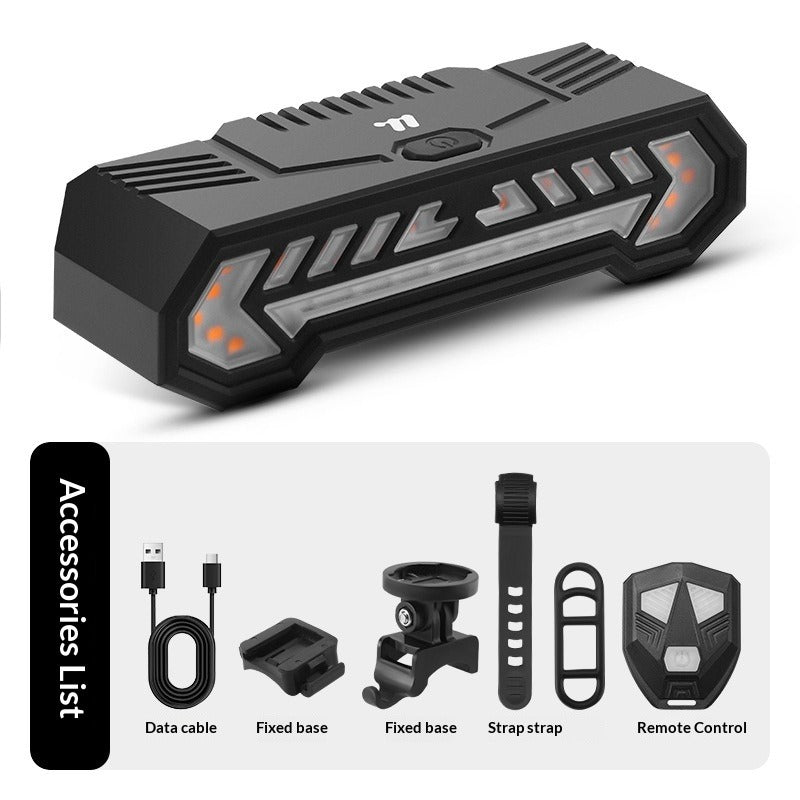
Vancien Wireless Bike Turn Signal

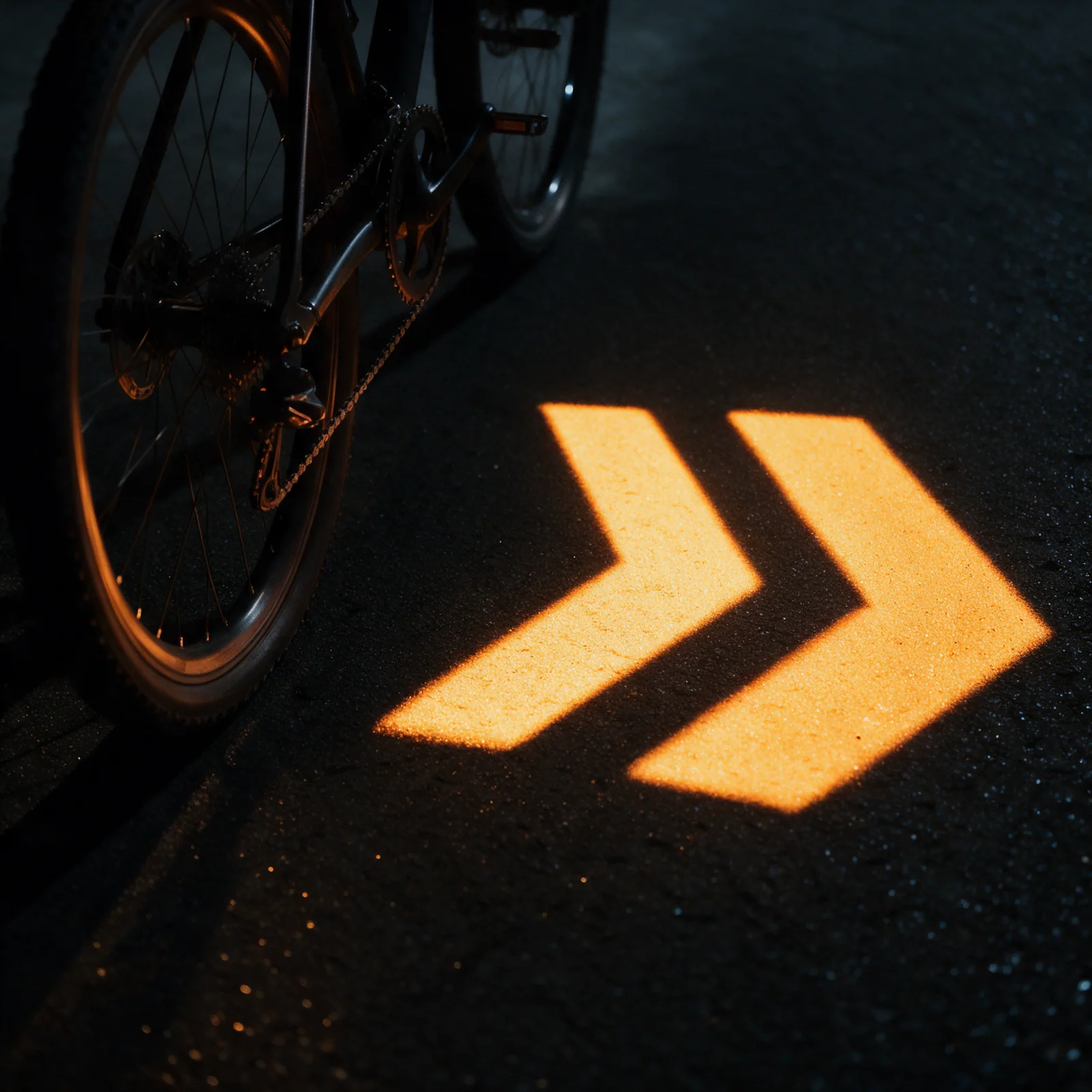
Tap left or right on your handlebar remote. An amber arrow appears on the pavement beside your rear wheel, giving riders and drivers behind you another cue before you turn.
Two places to see your signal
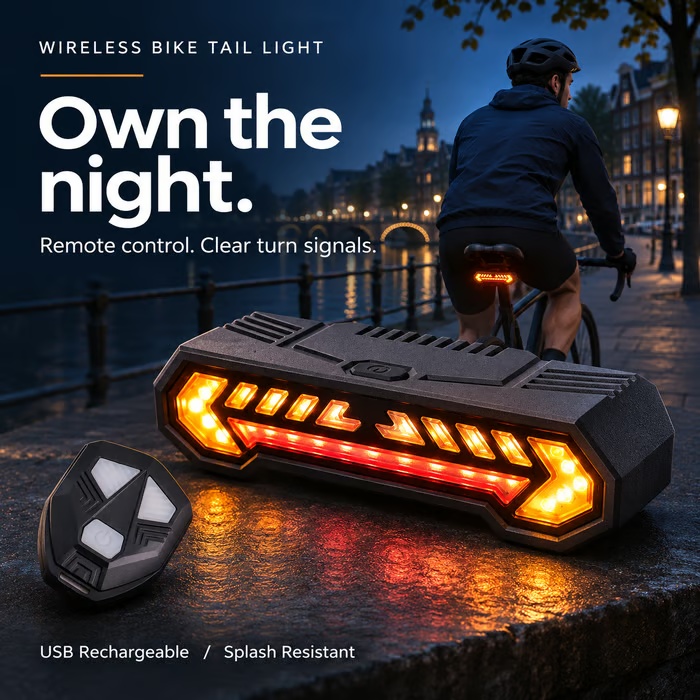
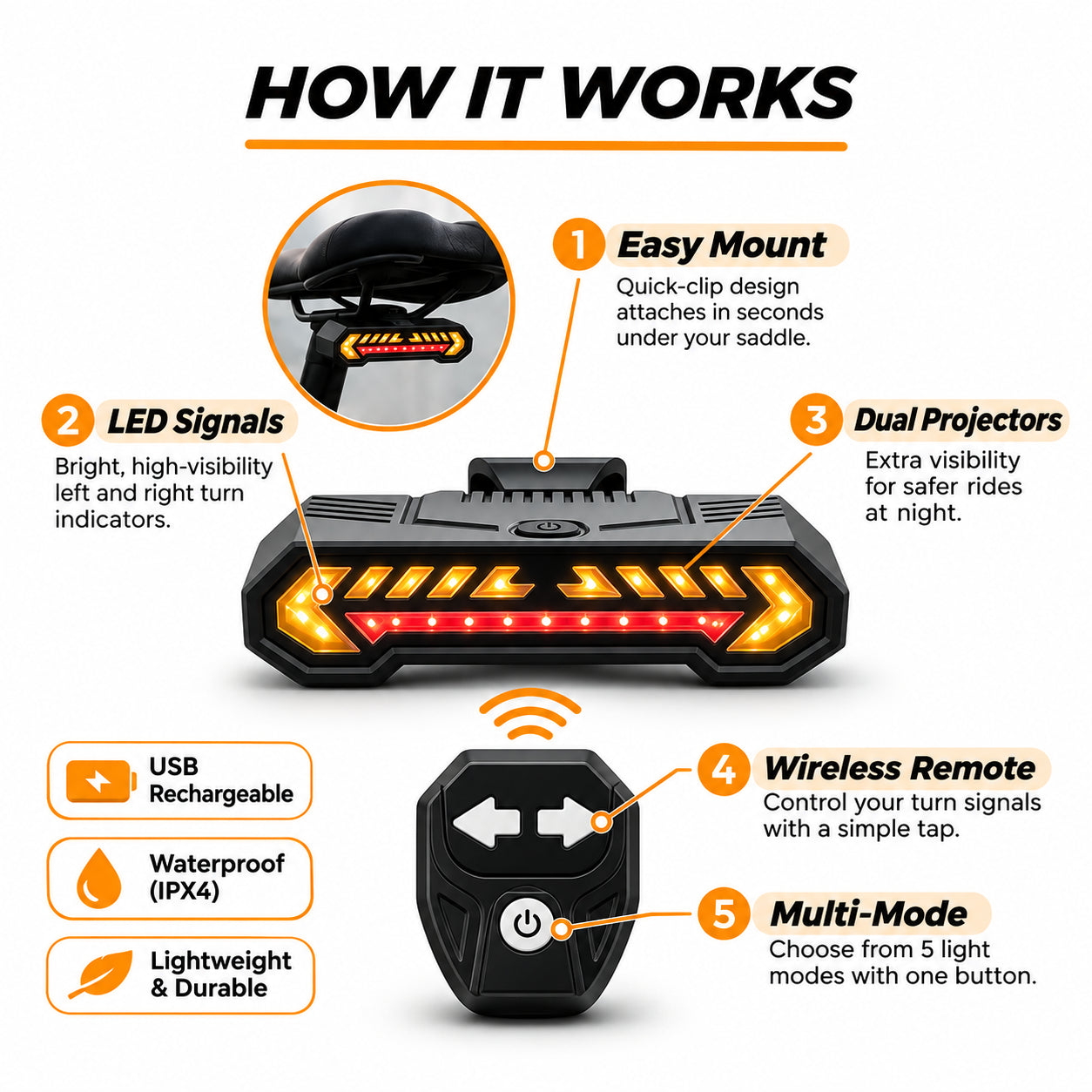
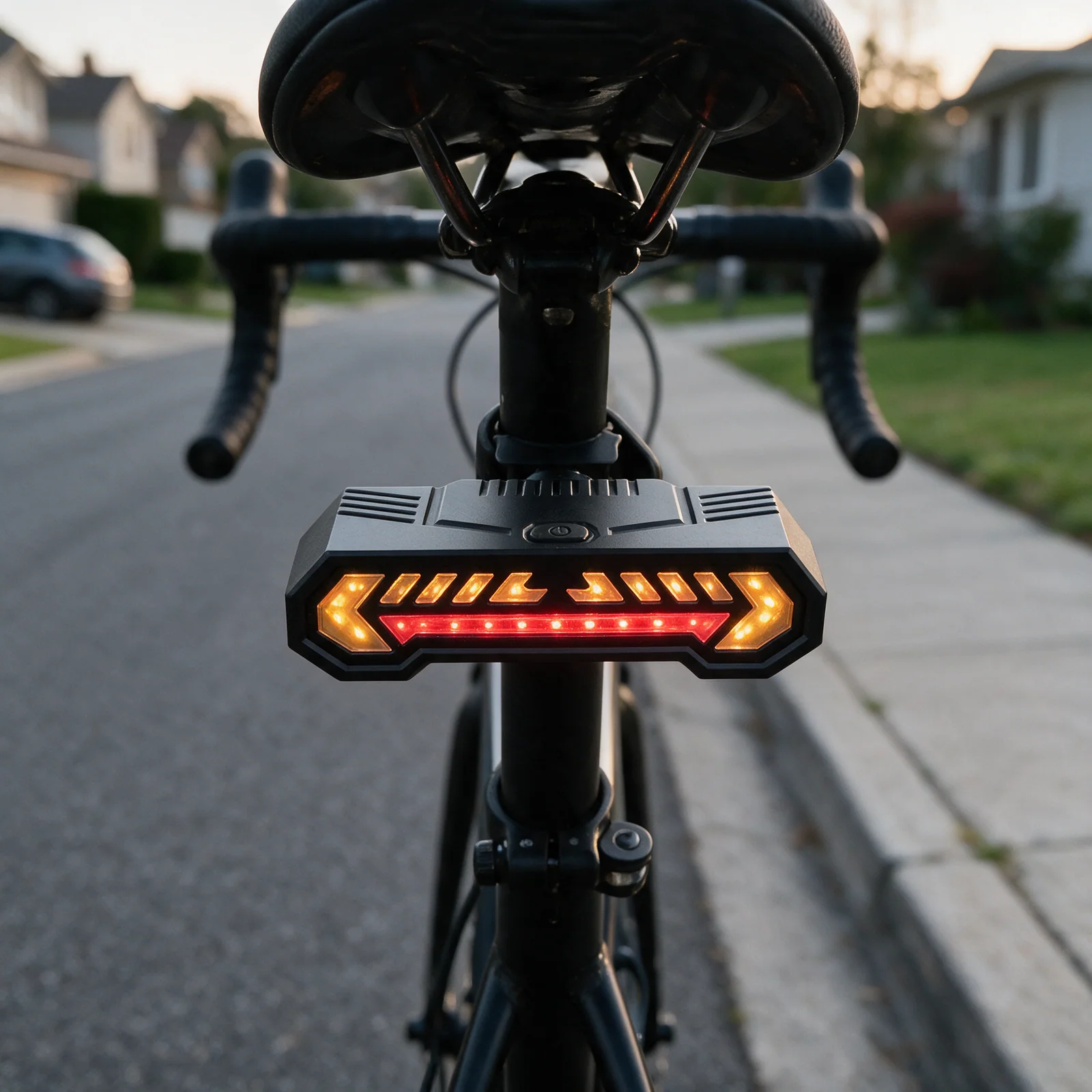
As the amber side light blinks on the rear unit, the projector marks the same direction on the road. The built-in red tail light serves as your rear light between turns.
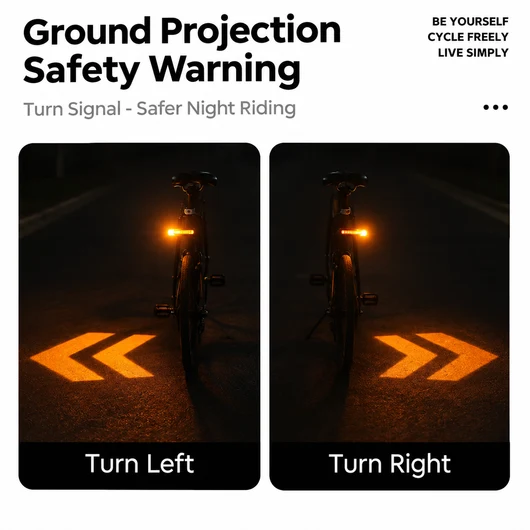
Left, right, or hazard
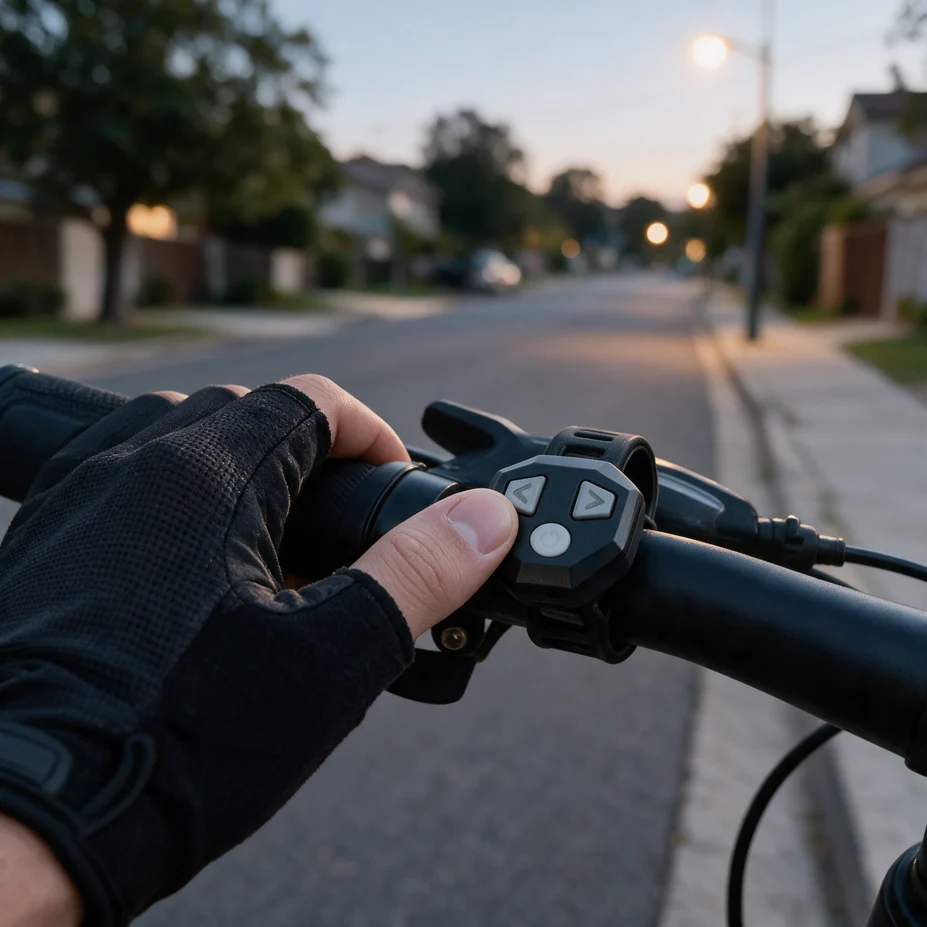
Mount the wireless remote within reach of your thumb. Select a left or right turn from the handlebar, or choose hazard mode when you want both indicators to flash.
Mount it under the saddle
- Secure the quick-release light mount to the seat post.
- Strap the remote to the handlebar with its buttons in easy reach.
- With the bike stationary, test both directions and check where each arrow lands.
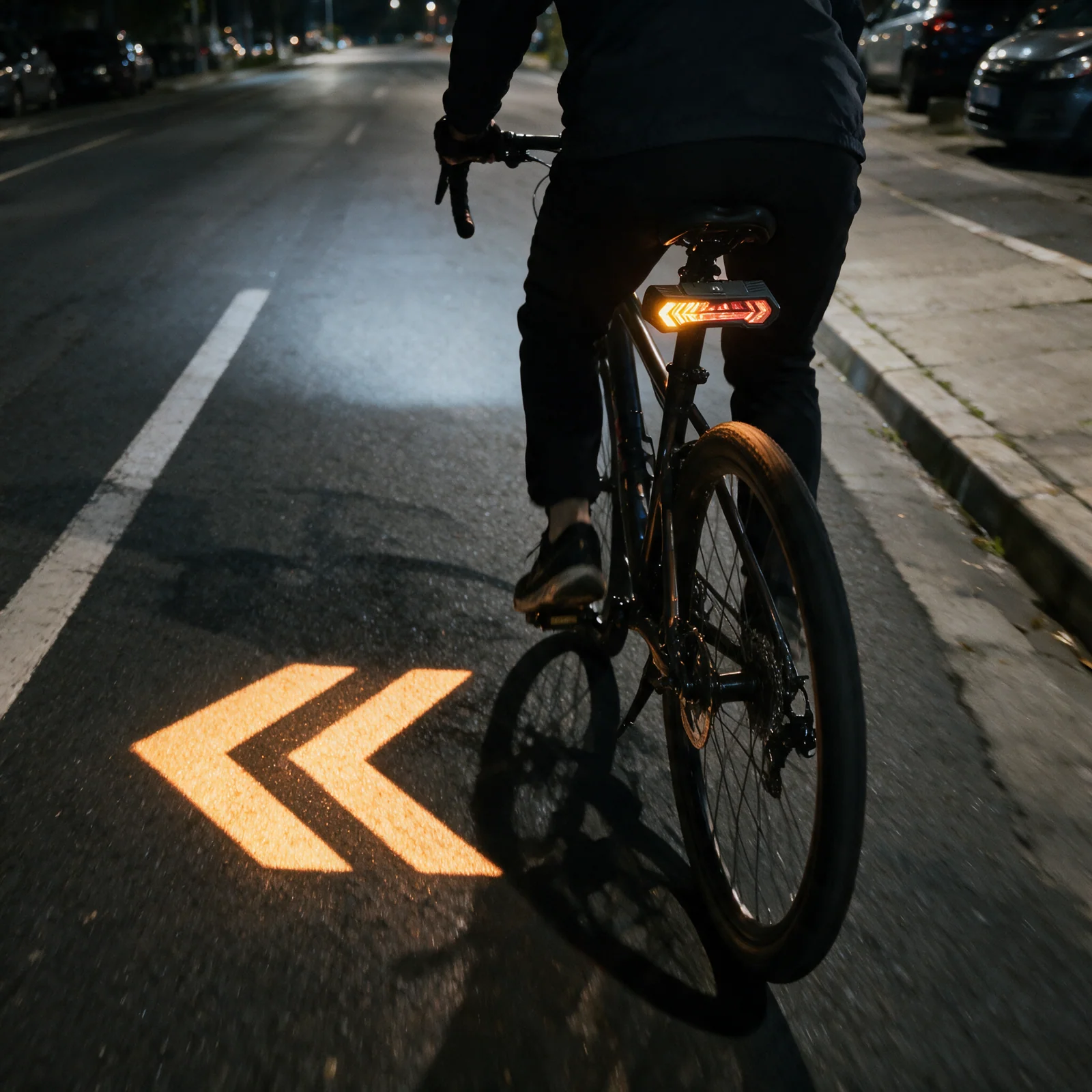
Ready for the next evening ride
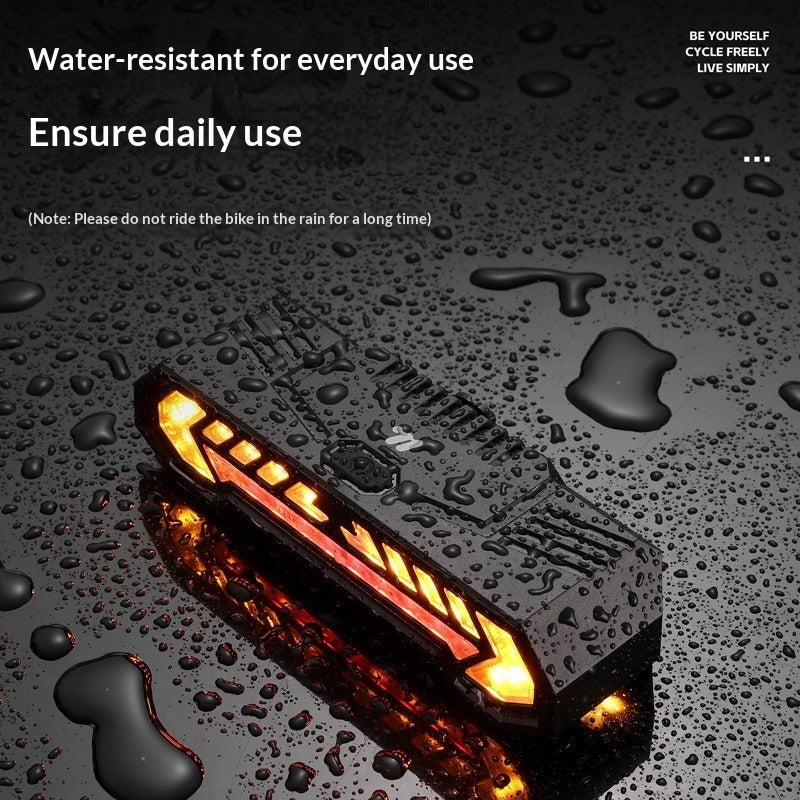
Recharge the rear light by USB between rides. The splash-resistant housing handles road spray, and the quick-release mount makes it easy to take the light indoors.
Riding after dark
Check the projection on the pavement before you set off. Surface texture and street lighting affect how clearly the arrows stand out. Keep checking traffic and use the hand signals appropriate for your ride.
Product photos
See more views of the light and remote
Buy Now - Choose Your Option